MSK Institute • Shikohabad
Loading Page Content...
Preparing courses, live labs, and learning resources.सामग्री लोड हो रही है, कृपया प्रतीक्षा करें...
Connecting serverPlease wait...
💻 Practical Labs🚀 Free Demo📜 Verified Certificates
Preparing courses, live labs, and learning resources.सामग्री लोड हो रही है, कृपया प्रतीक्षा करें...
Creating architectural diagrams, database entity-relationship models, and system sequence flows used to require external drawing tools like Visio or Figma. If the system architecture changed, the designer had to redraw and re-export the image.
Mermaid.js solves this forever by allowing developers to write diagrams as plain text code directly inside Markdown!
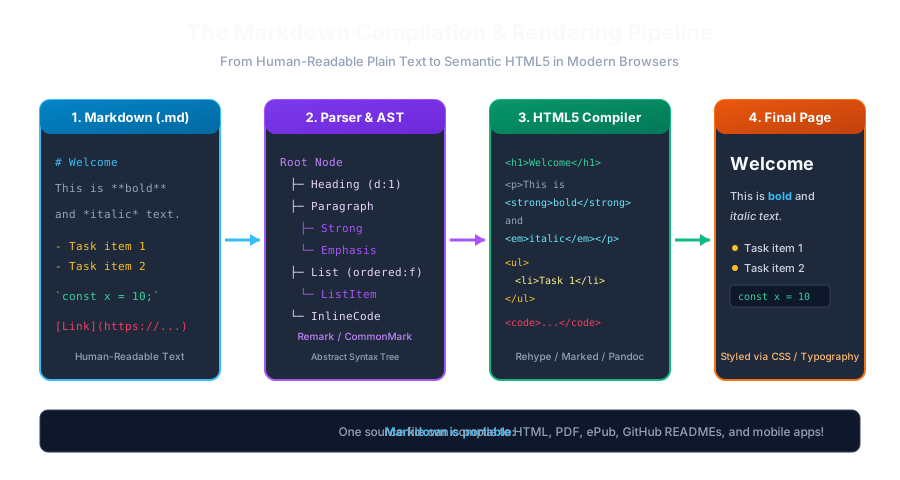 Click to Zoom
To create a Mermaid diagram, open a standard fenced code block and specify mermaid as the language identifier:
graph TD; Client[Web Browser] -->|HTTP Request| API[Next.js API Gateway]; API -->|Query| DB[(PostgreSQL Database)]; API -->|Cache| Cache[(Redis Cache)];
When parsed by GitHub, GitLab, Notion, or Obsidian, this plain text compiles into an interactive, vector SVG diagram!
TD or TB: Top-to-BottomLR: Left-to-RightBT: Bottom-to-TopRL: Right-to-LeftSequence diagrams illustrate how processes communicate with one another over time:
sequenceDiagram autonumber actor User participant App as React Client participant Auth as Auth0 Service participant API as Backend API
User->>App: Click "Sign In" App->>Auth: Redirect to Login Auth-->>App: Return JWT Access Token App->>API: GET /api/dashboard (Bearer Token) API-->>App: 200 OK (User Data)
You can even illustrate git branching strategies directly in your documentation:
gitGraph commit commit branch feature/auth checkout feature/auth commit commit checkout main merge feature/auth commit
Continue learning with hands-on practice, examples, and exercises in the upcoming topic.
| Previous Lesson | Next Lesson |
|---|---|
| GitHub Alerts & Admonitions | Writing Professional GitHub READMEs & Badges |
Test your understanding of this lesson with 5 questions. Each question has one correct answer.