MSK Institute • Shikohabad
Loading Page Content...
Preparing courses, live labs, and learning resources.सामग्री लोड हो रही है, कृपया प्रतीक्षा करें...
Connecting serverPlease wait...
💻 Practical Labs🚀 Free Demo📜 Verified Certificates
Preparing courses, live labs, and learning resources.सामग्री लोड हो रही है, कृपया प्रतीक्षा करें...
Logical functions form the decision-making engine of your spreadsheets. By combining the fundamental IF statement with AND, OR, and NOT, you can create intelligent business models that evaluate complex multi-tier criteria automatically.
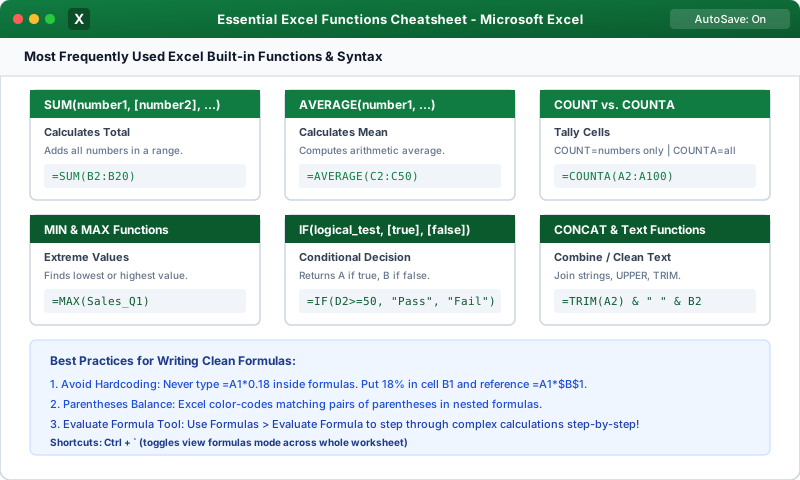
The IF function tests a logical condition and returns one value if the condition is TRUE, and another value if it is FALSE:
 Click to Zoom
A single IF statement tests only one condition. By nesting AND or OR inside the 'logical_test' argument, you can evaluate multiple columns simultaneously:
Returns TRUE only if every single argument evaluates to TRUE:
If an employee has $60,000 in sales but a Rating of 3, AND returns FALSE and no bonus is granted.
Returns TRUE if any one of the conditions evaluates to TRUE:
If a customer has a Gold membership, they receive free shipping even if their cart total is only $10.
The NOT function flips boolean truth values:
When evaluating multiple performance tiers (such as letter grades or discount brackets), you can place another IF statement inside the 'value_if_false' parameter:
Note: Always order your comparisons systematically (either highest to lowest, or lowest to highest) so thresholds trigger in the correct sequence.
Continue learning with hands-on practice, examples, and exercises in the upcoming topic.
| Previous Lesson | Next Lesson |
|---|---|
| Date & Time Functions (TODAY, NOW, DATEDIF, NETWORKDAYS) | VLOOKUP Basics (Exact Match & Syntax) |
Test your understanding of this lesson with 5 questions. Each question has one correct answer.